
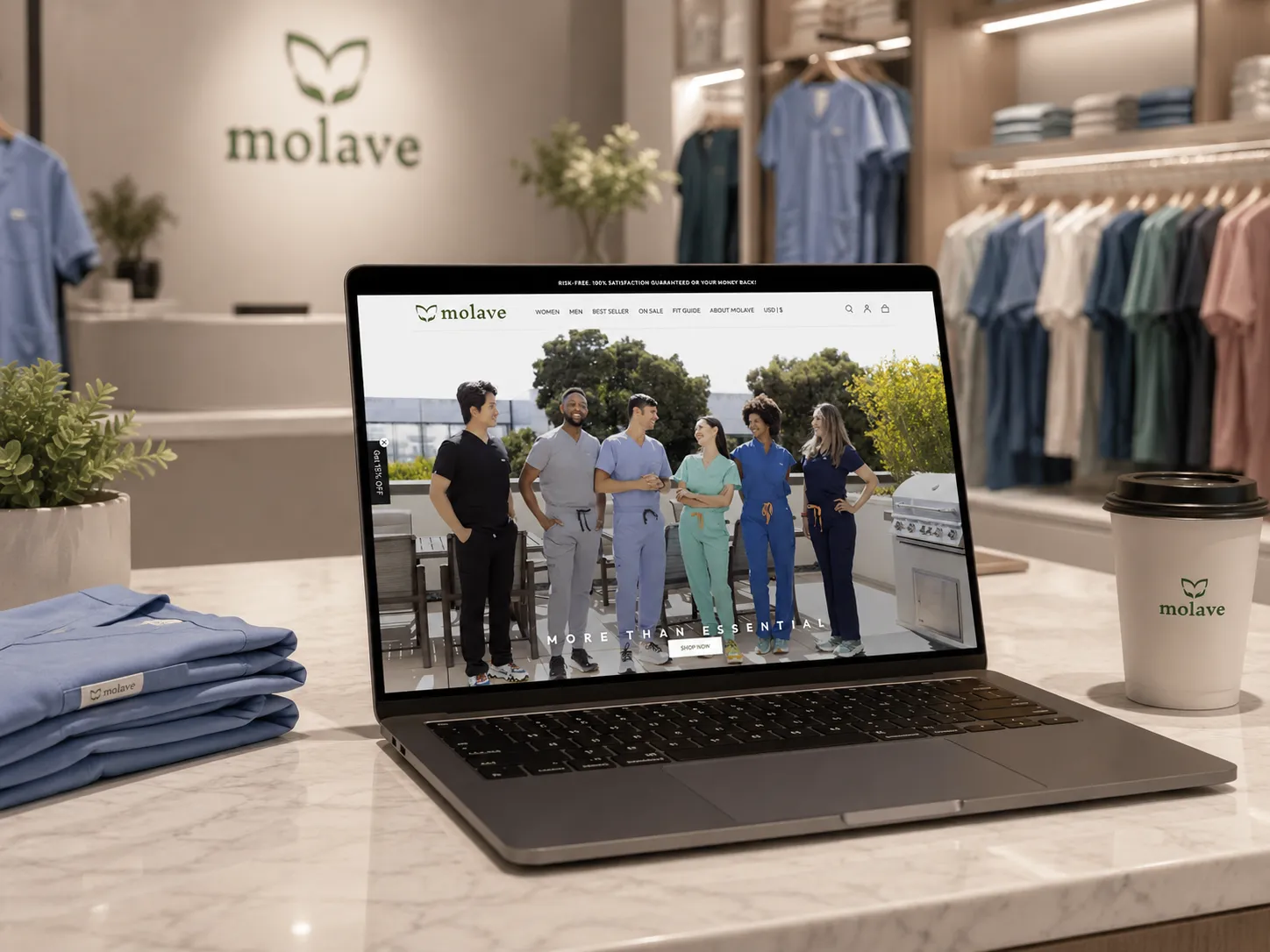
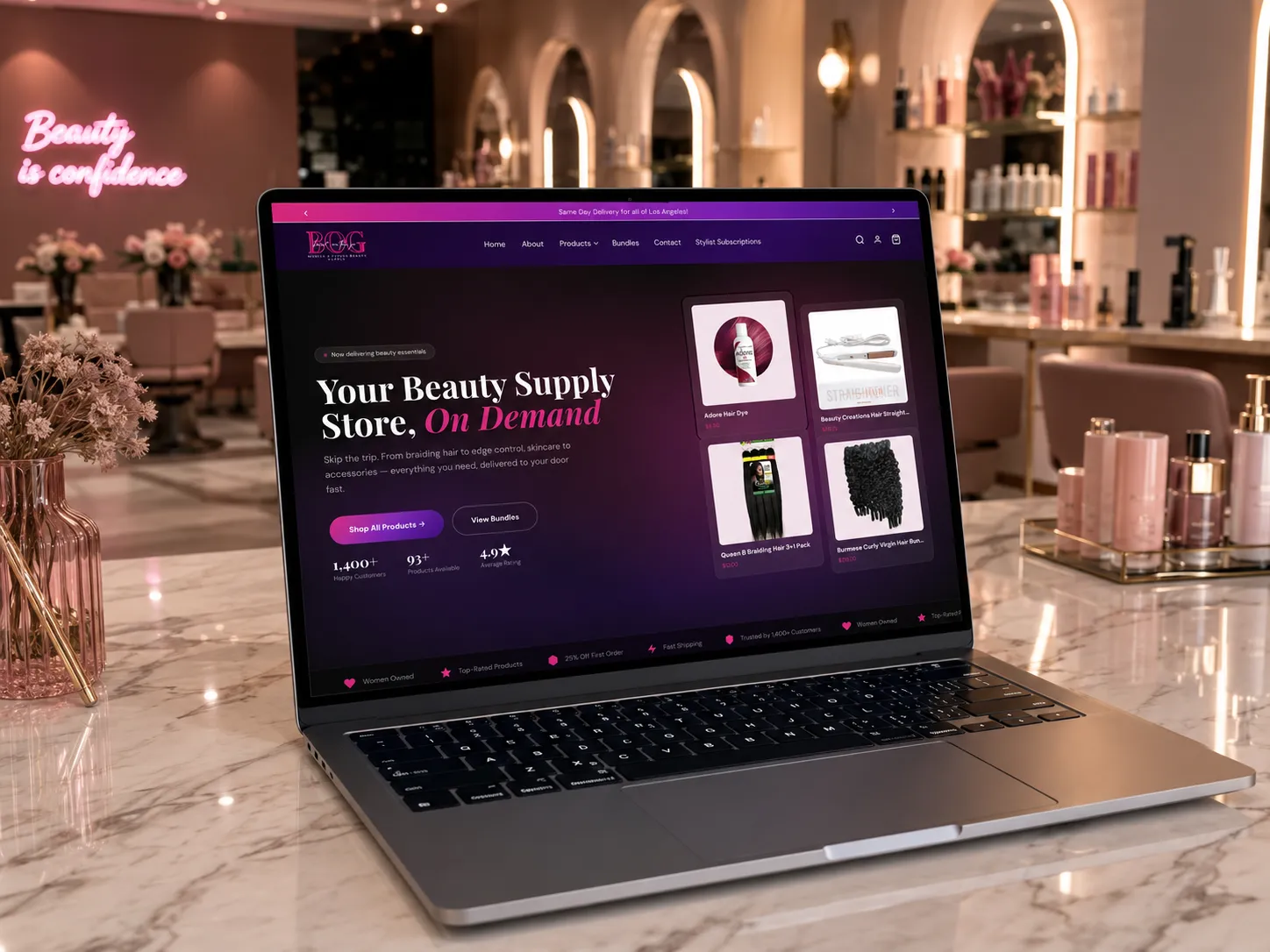
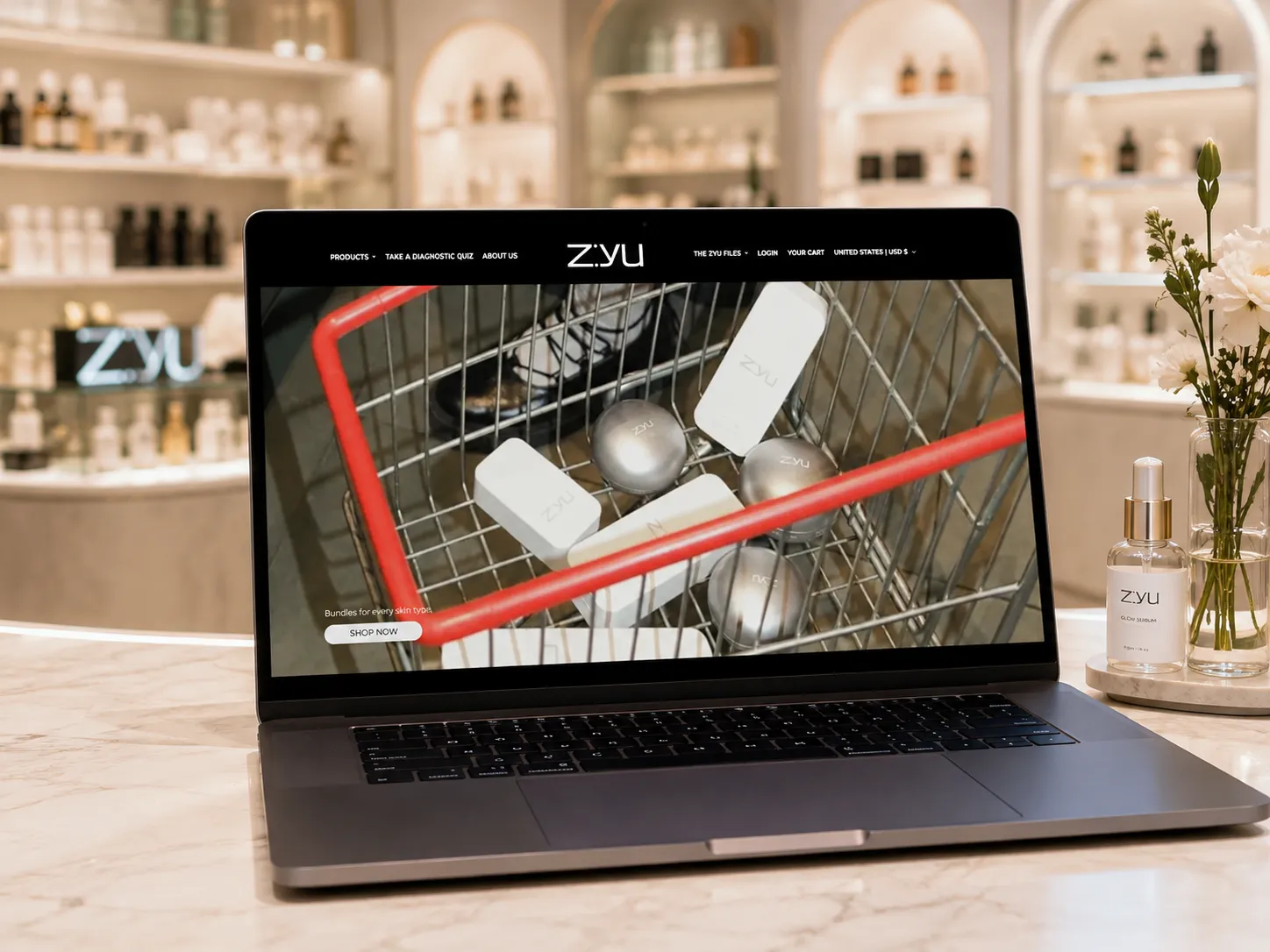
Shopify redesign

Shopify redesign that keeps what already works

Keep your products, orders, customers and rankings. We replace the parts that make people leave: slow pages, cluttered menus and weak product pages.

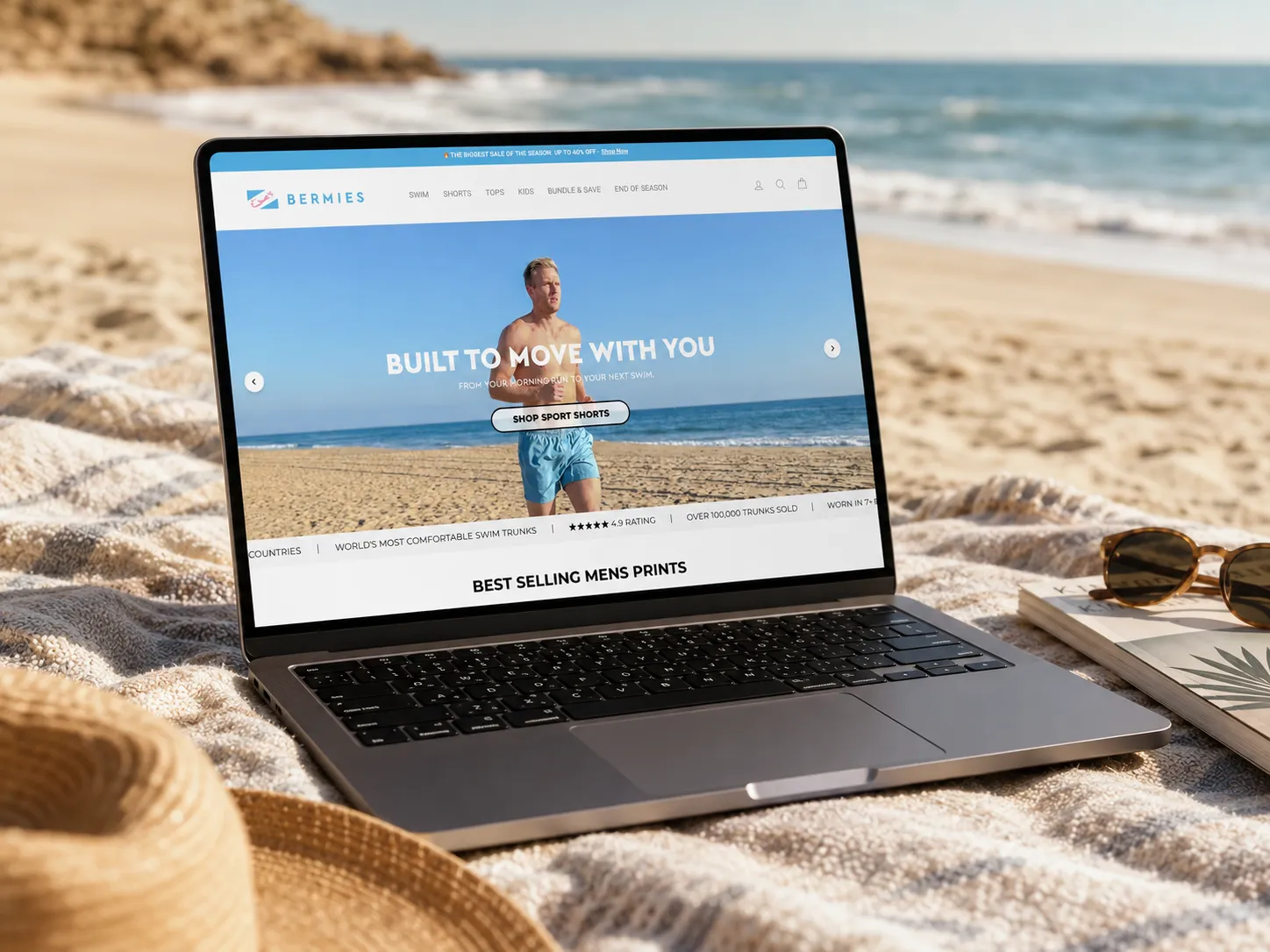
Bermies Shopify store redesigned by Sun Skill Tech
  • +19%Session conversion
  • +25%Checkout completion
  • +13%Revenue per session

Bermies, 11 weeks after the redesign compared with the 11 weeks before

What we fix

What we fix in a Shopify redesign

We go through your store page by page, list where shoppers drop off, then fix it on a preview copy while your live store keeps selling.

  • Shoppers cannot find products

    Clear menus and filters

    Navigation and collection filters rebuilt around how your customers actually shop.

  • Product pages that do not sell

    Product pages that answer questions

    Price, sizes, delivery and reviews placed where shoppers look for them, designed and approved before we build.

  • Slow pages on mobile

    A faster store

    Unused apps and heavy code removed, so pages load faster on the phones most of your shoppers use.

  • A store that looks dated

    A design that fits your brand today

    Homepage, collection and product pages redesigned around your brand. The parts that already sell stay.

  • A theme patched with apps

    Clean theme code

    Tested Shopify code on a preview theme. When a theme cannot do it, like faster color, size and fit selection, we write custom code.

  • Worry about losing rankings

    Rankings and data kept

    Products, customers and orders stay where they are. Any URL that changes gets a redirect, so your rankings carry over.

How it works

A new store, without closing the old one

A fixed quote and launch date before we start. The new design is built on a preview copy, so your live store never goes down.

  1. Discovery

    A 15-minute call and a review of your current store, then a fixed quote and a launch date.

    Store review
    Discovery
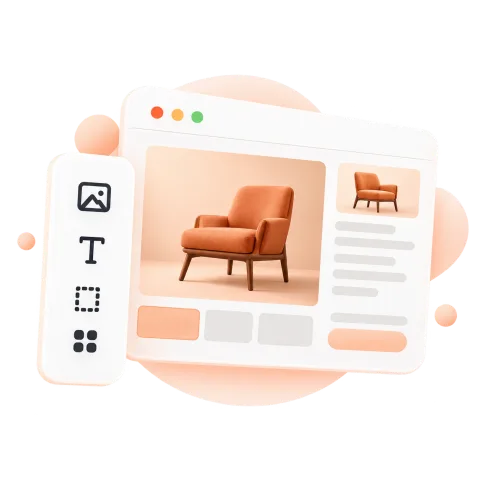
  2. Design

    New homepage, collection and product page designs, approved before the build starts.

    Design mockups
    Design
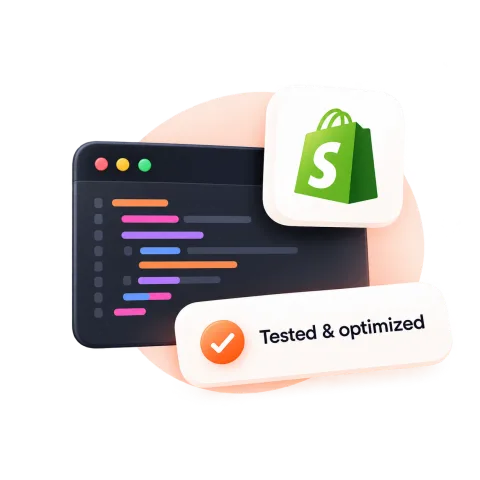
  3. Build

    The new theme built on a preview link while your live store keeps selling.

    Preview theme
    Build
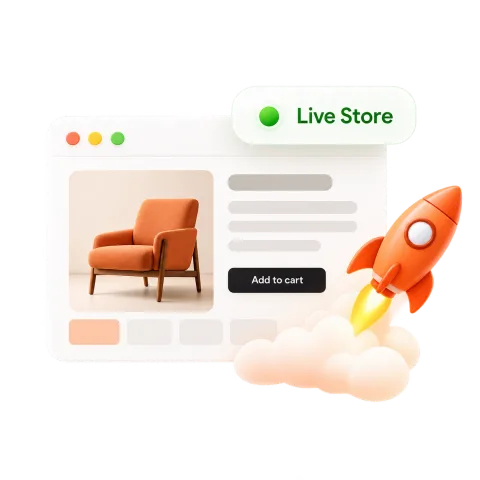
  4. Launch and grow

    A live test order, the new theme published, then 30 days of free fixes.

    Same domain, new store
    Launch and grow
Guide

When to redesign your Shopify store

A redesign is worth it when the store itself is what stops people buying. Here is how to tell, and how to do it safely.

Signs your store needs a redesign

Traffic is not the problem if people arrive and leave without buying. Common signs:

  • Shoppers struggle to find products through the menu or filters
  • Product pages bury the price, sizes or delivery details
  • Pages load slowly on mobile because of old apps and code
  • The store no longer looks like the brand you sell today

Redesign or a few fixes?

If the problems sit on one or two pages, fix those pages first. A product page or cart rebuild can be done on its own.

If the theme is outdated, slow and patched with apps, a full redesign usually costs less over time than more patches.

Redesigning without losing rankings

Most traffic lost after a redesign comes from changed URLs and deleted content. Keep product and collection URLs where they are, add a redirect for anything that moves, and keep or improve each page title and description.

Does a redesign increase revenue?

Only when it fixes the places where shoppers leave. Bermies saw session conversion rise 19%, checkout completion 25% and net revenue per session 13% in the 11 weeks after its redesign, compared with the 11 weeks before.

A redesign that only changes colors and fonts rarely moves those numbers. Start from where your analytics show people dropping off.

Testing a redesign before it goes live

Build the new design on an unpublished theme in the same Shopify account. You can preview it with your real products, check it on your phone and place a test order while the live theme keeps selling. Publishing takes one click, and the old theme stays saved in case you need it back.

Choosing a Shopify design agency

Before you sign, ask the agency for:

  • Live stores they redesigned, with numbers from before and after
  • A fixed quote that lists every page in scope
  • Designs to approve before any code is written
  • Their plan for keeping URLs, titles and rankings
FAQ

Shopify redesign questions

Something else on your mind? Ask us on a free 15-minute call.

Will a redesign hurt my Google rankings?

Not if it is done properly. Your products and collections stay in place, and if any URL changes we add a redirect from the old address. We keep your page titles and descriptions, or improve them.

Will my store go offline during the redesign?

No. We build the new design on a preview theme in your Shopify account. Your live store keeps taking orders until we publish the new theme.

How long does a Shopify redesign take?

It depends on the number of pages and custom features. You get a fixed launch date in the quote before we start, and most redesigns launch within a few weeks.

How much does a Shopify redesign cost?

Every redesign gets a fixed quote after a free 15-minute call, based on the pages and features you need. No hourly billing.

Do I keep my products, customers and orders?

Yes. A redesign changes how your store looks and works. Products, customers, order history and reviews stay in your Shopify account.

Does redesigning a Shopify store increase revenue?

It can, when the redesign fixes the pages where shoppers drop off. After its redesign, Bermies saw session conversion rise 19% and net revenue per session rise 13%, comparing 11 weeks after with the 11 weeks before.

Can you redesign just my product pages?

Yes. If your product pages are where shoppers drop off, we can start there and leave the rest of the store as it is.

Free 15-minute call

Ready for a store that sells?

Pick a time. We look at your store or your plan and tell you what we would do, whether or not you hire us.

Loading calendar...